Protect stock committed to earlier sales, so the stock counts remain the same until sales are processed as delivered
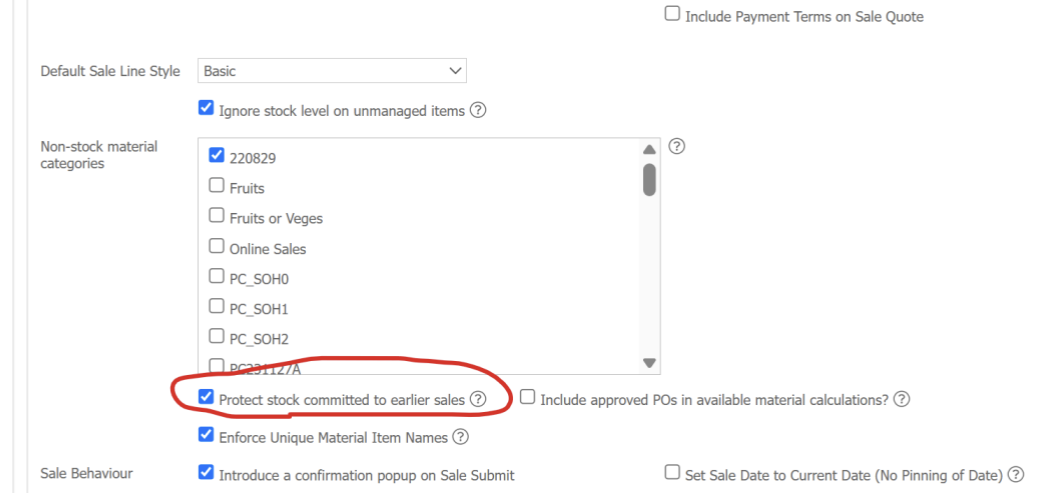
Material Items now show the quantity of items that are on-order, so you know the true number of items available at any time. Approved PO's are also now Included in material availability calculations.
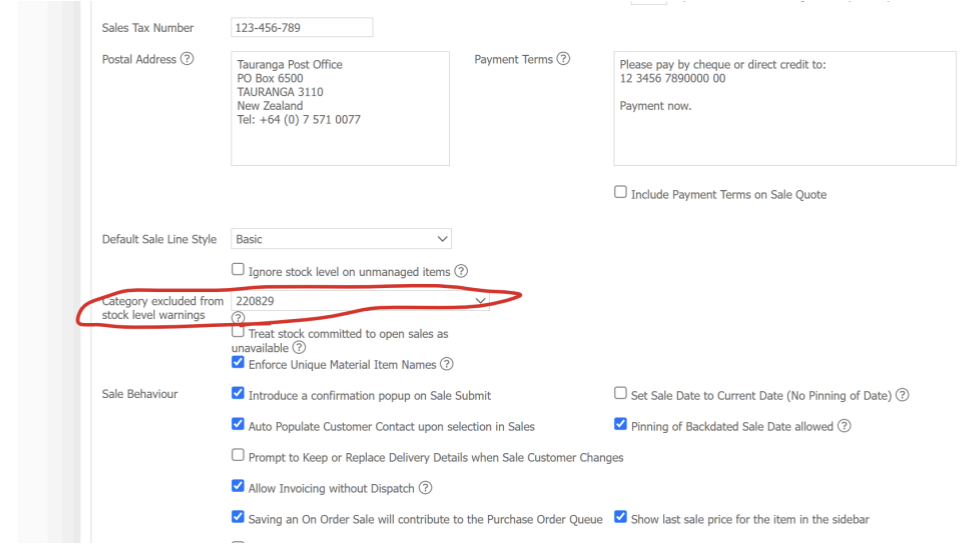
Inventory categories can now be excluded from your stock level warnings
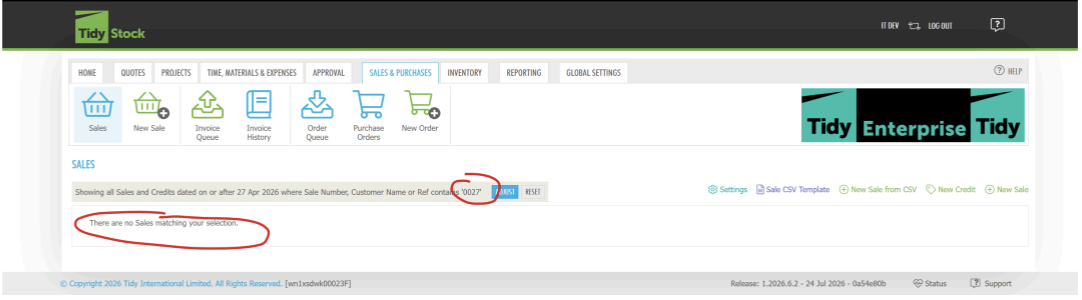
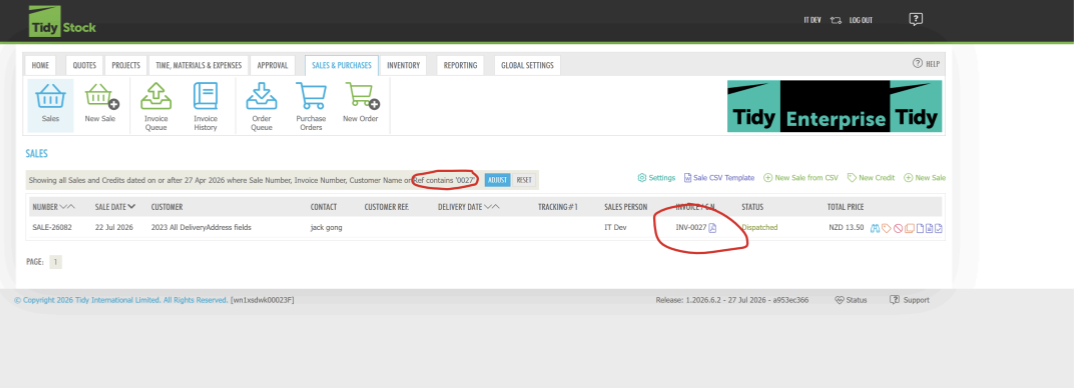
Previous sales that have been completed can now be searched via their Xero invoice number.
Before
After
Users now also have the option to treat committed sales stock as unavailable when invoicing (opt-in feature)
When creating assemblies, the component stock availability now shows when assembling the component together.
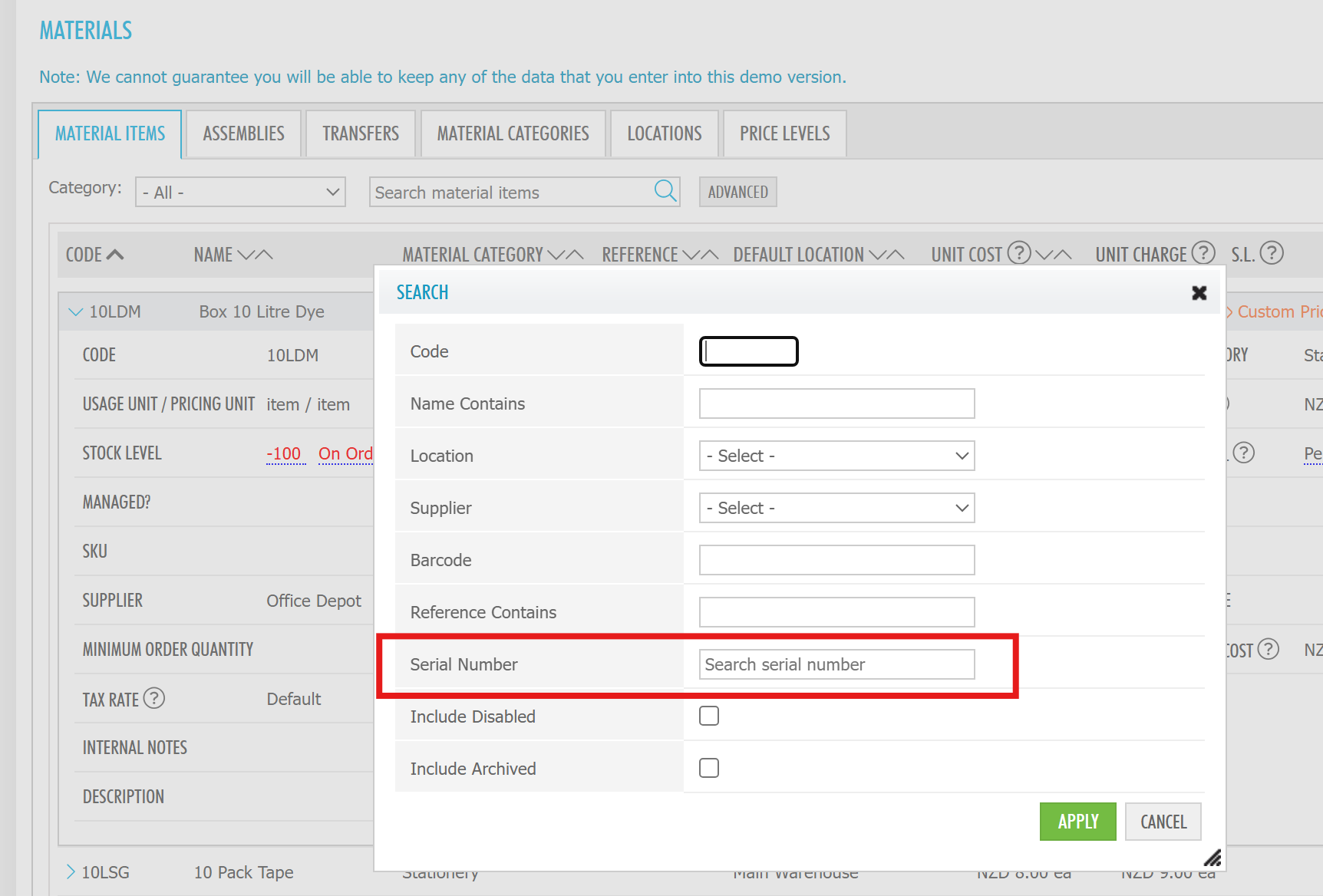
Batch Feature Search
Adds an easy way for organisations using batches as serial numbers to search material items by batch or serial number. The search is available only when the Batches feature is enabled, and batch history now links directly to the related sales records
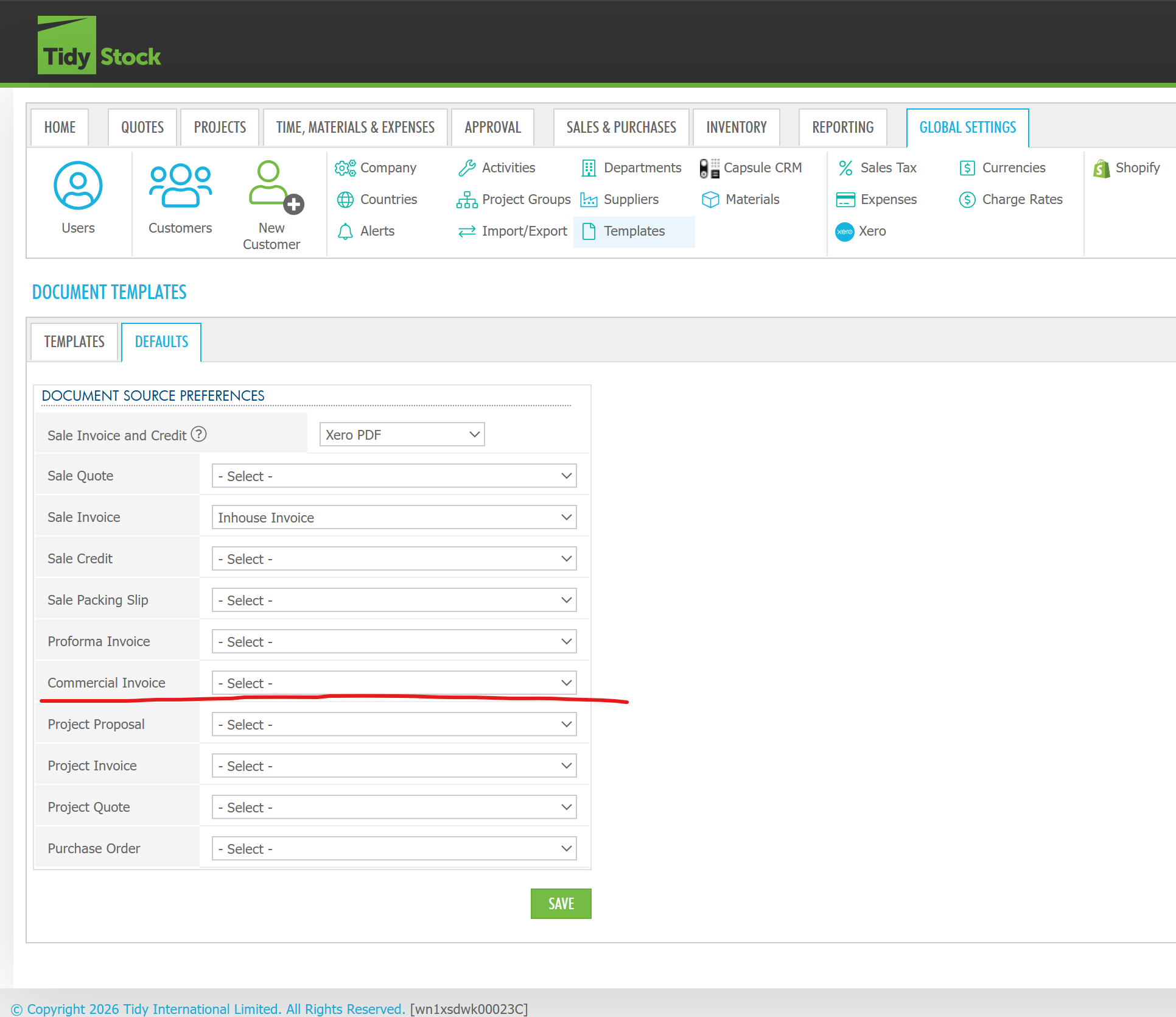
Commercial Invoice functionality
Adds Commercial Invoice generation as an optional sales-document feature. It includes the report, supporting data queries, template selection, document generation, and a Sales screen action.